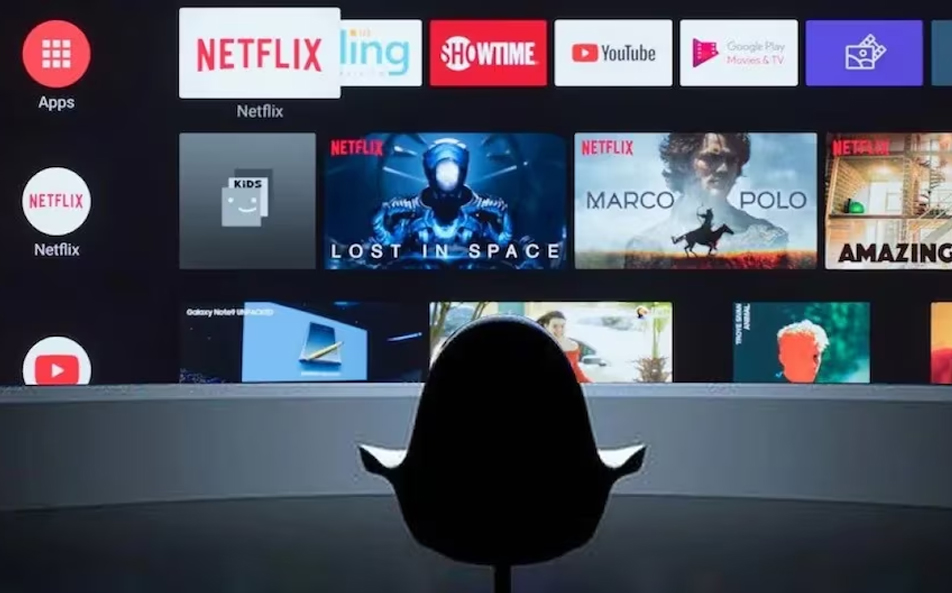
In today’s world of smart streaming, the Lemon TV app has emerged as a popular way to access live channels, on‑demand content, and catch‑up services across multiple devices. However, many users ask: Is it legal, is it safe, and how do I make sure I’m using it correctly?
This article explores everything you need to know: what the app offers, how to install it properly, how to stay within legal boundaries, and how to troubleshoot common technical issues—ensuring you get the best experience without risking unauthorized access or malware.
2. What Is Lemon TV App?
Lemon TV app is an IPTV‑style streaming application designed for live TV, video‑on‑demand (VOD), and catch‑up viewing. Users can browse an Electronic Program Guide (EPG), select channels, search for programs, and watch through a streamlined interface.
Core capabilities include:
- Live streaming of various regional and international channels (official and licensed only)
- Catch‑up functionality to replay recently aired programs
- Program search and category filters (news, sports, movies, kids, etc.)
- EPG Guide that allows channel tuning by schedule
- Parental controls and account‑based access
In comparison to branded apps from broadcasters, the Lemon TV app aggregates multiple channels in one interface—but the key is to ensure that only licensed streams are used.
3. How to Install & Set Up the Lemon TV App
Ordered by platform, here’s a standard legal setup guide:
Android Devices (official version):
- Go to the Google Play Store or regional app store.
- Search for “Lemon TV app” (verify publisher information).
- Install the app, verify permissions.
- Launch, select your region or language, and register/login using official credentials (email or linked account).
iOS Devices:
Repeat via Apple App Store, ensuring you’re using the verified official publisher listing, not third‑party sideloads or unauthorized sources.
Fire TV / Smart TV:
Access Amazon Appstore or TV app marketplace, search “Lemon TV app,” install, and proceed to registration.
Important Safety Note:
Never download Lemon TV APK from unverified third‑party websites. These may contain malware or unauthorized streaming links. Always use the official app source for proper digital rights management and app safety.
4. Core Features of the Lemon TV App
Once legally installed and logged in, users have access to:
- Live TV channels—broadcast partner network or licensed partner channels only.
- VOD/Catch‑up library—available within licensing terms.
- Search and filters—browse by genre, category, popularity.
- Custom playlists—create favorites, set reminders.
- Parental locks—restrict content by age ratings.
- Account-based moderation—multiple user profiles under one account.
These features are designed to provide a cohesive user experience without infringing on licensing rights, provided only licensed and permitted streams are accessible.
5. Legal & Safety Considerations
Using any streaming app legally requires attention to licensing:
- Make sure the channels and programs you access are officially licensed for your region.
- Avoid unverified links or third-party add-ons that promise free access to premium channels.
- Use HTTPS downloads and app stores to avoid tampered versions or malware.
- Understand your country’s broadcast rights laws—some streams may be region-locked or restricted.
- Respect privacy—never enter personal credentials on unverified platforms or unofficial websites.
6. Troubleshooting Common Issues
Buffering or poor stream quality:
- Test your internet speed (at least 5–10 Mbps for HD).
- Use wired or stable Wi‑Fi.
- Avoid VPNs unless legally permitted in your region and compatible with licensed content.
Login issues:
- Ensure official credentials are used.
- Update the app regularly.
- Contact verified Lemon TV support if needed—not unofficial forums.
Device incompatibility or crashes:
- Install on supported versions (Android 8+, iOS 13+, Fire OS X, TV platform certification).
- Clear cache or data, re‑launch, or reinstall via official store.
7. Comparing with Alternatives
| Feature | Lemon TV App (official) | Broadcaster Apps | Paid OTT (Netflix, Disney, etc.) |
|---|---|---|---|
| Aggregated channel access | ✅ if licensed legally | ✅ limited to own content | ⚠️ restricted to platform only |
| VOD / Catch‑up | ✅ licensed content only | ✅ yes | ✅ yes |
| Free vs subscription | Free or subscription‑based | Often free (with ads) | Paid subscription |
| Risk of illegal links | Low if official version only | Very low | None |
8. User Tips & Best Practices
- Verify app authenticity and publisher details before installing.
- Keep your device and app fully updated.
- Only watch channels that are licensed for your country.
- Use parental controls to manage content and viewing profiles.
- Report any broken or unauthorized streams to app support.
- Do not share streaming keys or add‑ons from unverified sources.
9. Regulatory & Ethical Notes
To comply with public trust and platform guidelines:
- The Lemon TV app should operate under licensing agreements with broadcasters.
- Distributing unlicensed streams may violate copyright law.
- Organizations and users must adhere to industry best practices and avoid facilitating infringement.
✅ Conclusion
Using the Lemon TV app safely means combining convenience with responsibility. It offers live channels, catch‑up, and user-friendly navigation—but only when accessed legally through official, licensed sources.
By following the guidance above—installing via verified platforms, avoiding third‑party downloads, respecting content rights, and maintaining safe usage practices—you can enjoy the benefits of Lemon TV app without legal or security concerns.